
Check what happened on your account
A record of what was changed, published, paid and deleted — and what to do about an entry you do not recognise.
What it records
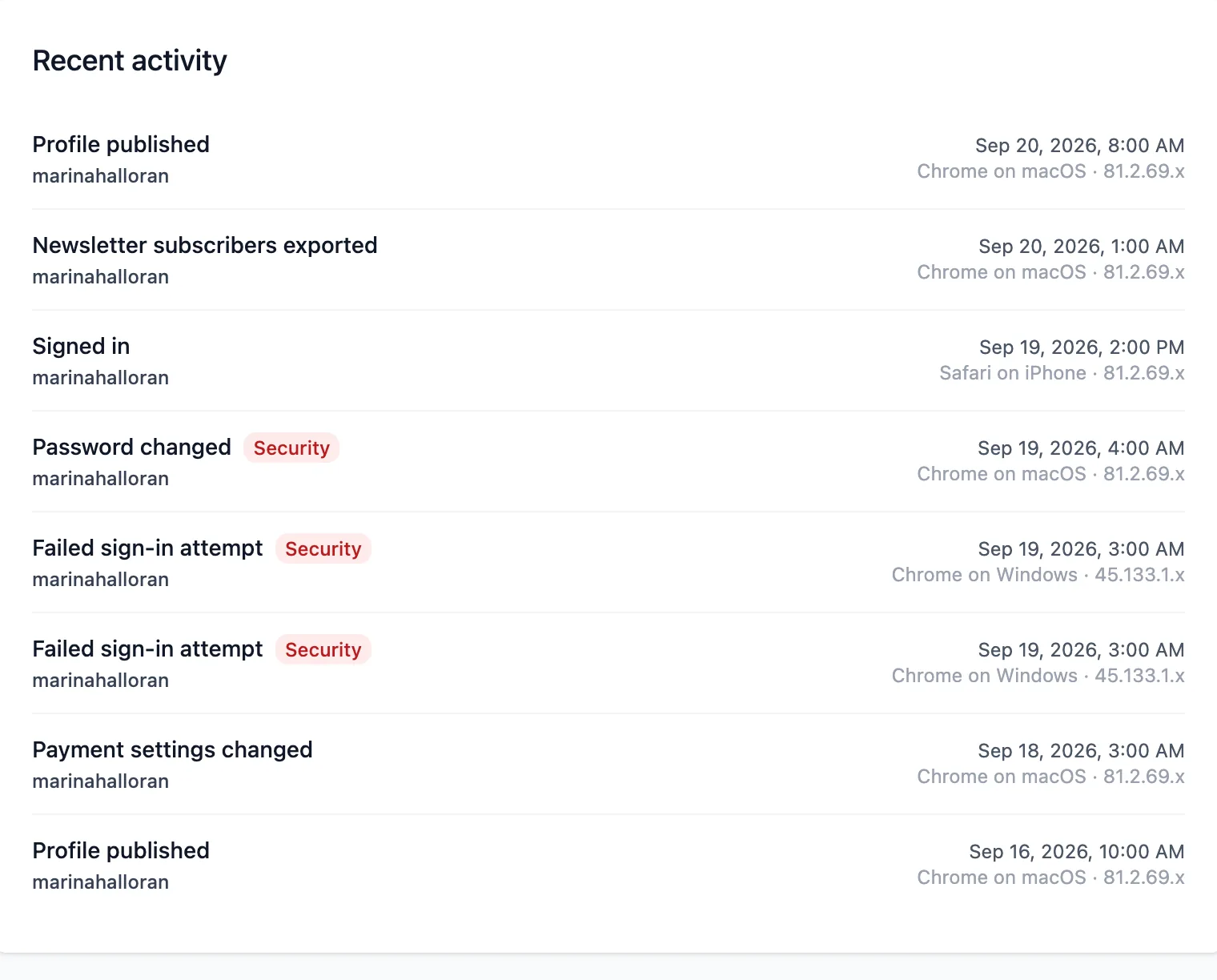
The activity log is the record of what happened on your account after the fact: publishes, settings changes, payment connection changes, exports, deletions and sign-ins — with when, and from roughly where.
What it does not
It is not a keystroke history and it is not a version history. It tells you your page was published on Tuesday; it does not tell you what the page said on Monday, and there is no way to roll a change back from it.
If you want to be able to undo a change to the page itself, the tool for that is an experiment — it keeps the version you did not choose alive until you decide.
An entry you do not recognise
Treat it as a possible compromise rather than a curiosity.
Change your password first, which ends every session that is not yours. Then read back through the log for anything else from around the same time — payment connection changes and email changes especially, because those are what somebody would come for.
Then tell support what you found. The log holds what happened, which is exactly what is needed to work out how.
Keeping a copy
The log goes back 180 days. Older entries are removed rather than kept forever: a security record nobody has looked at in all that time is a liability rather than an asset.
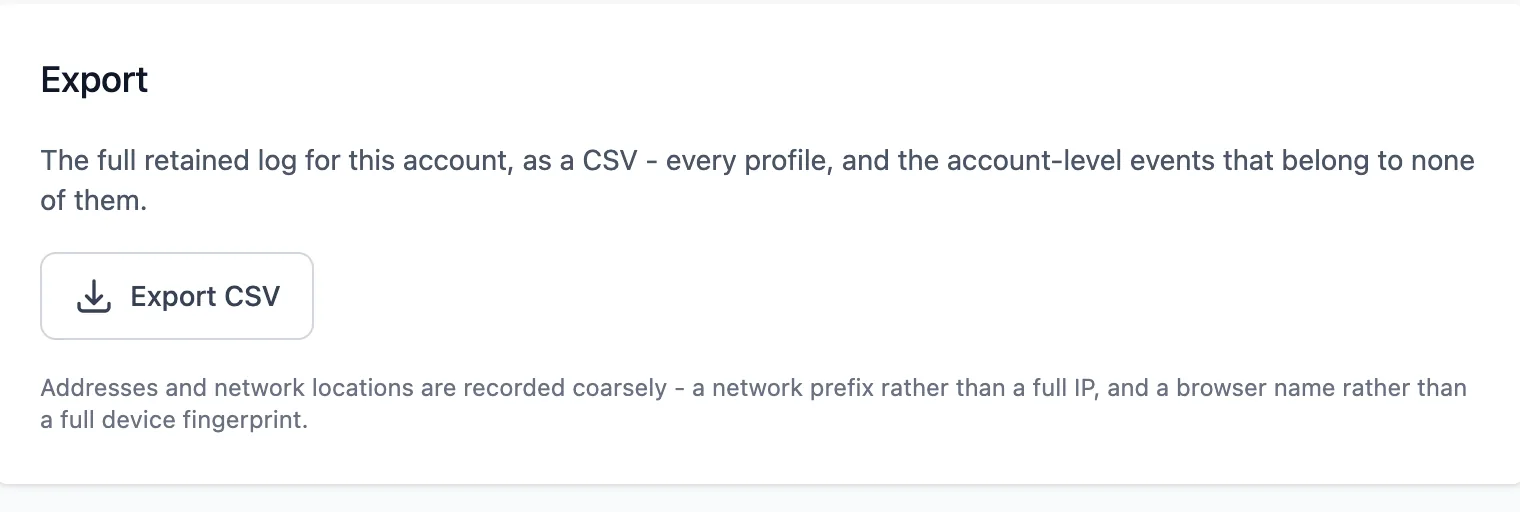
If you need it for your own records — a chargeback, an insurer, an accountant — export it before it ages out. Exporting is itself recorded, which is the point: a log you could quietly copy without trace would be a worse record than none.
Ready to try it?
Your page is free to build, publish and share, and nothing in this guide costs anything.