Free, Pro, and how billing works
What the free plan does, what Pro adds, what happens to your page if you stop paying, and how to change either.
What is free
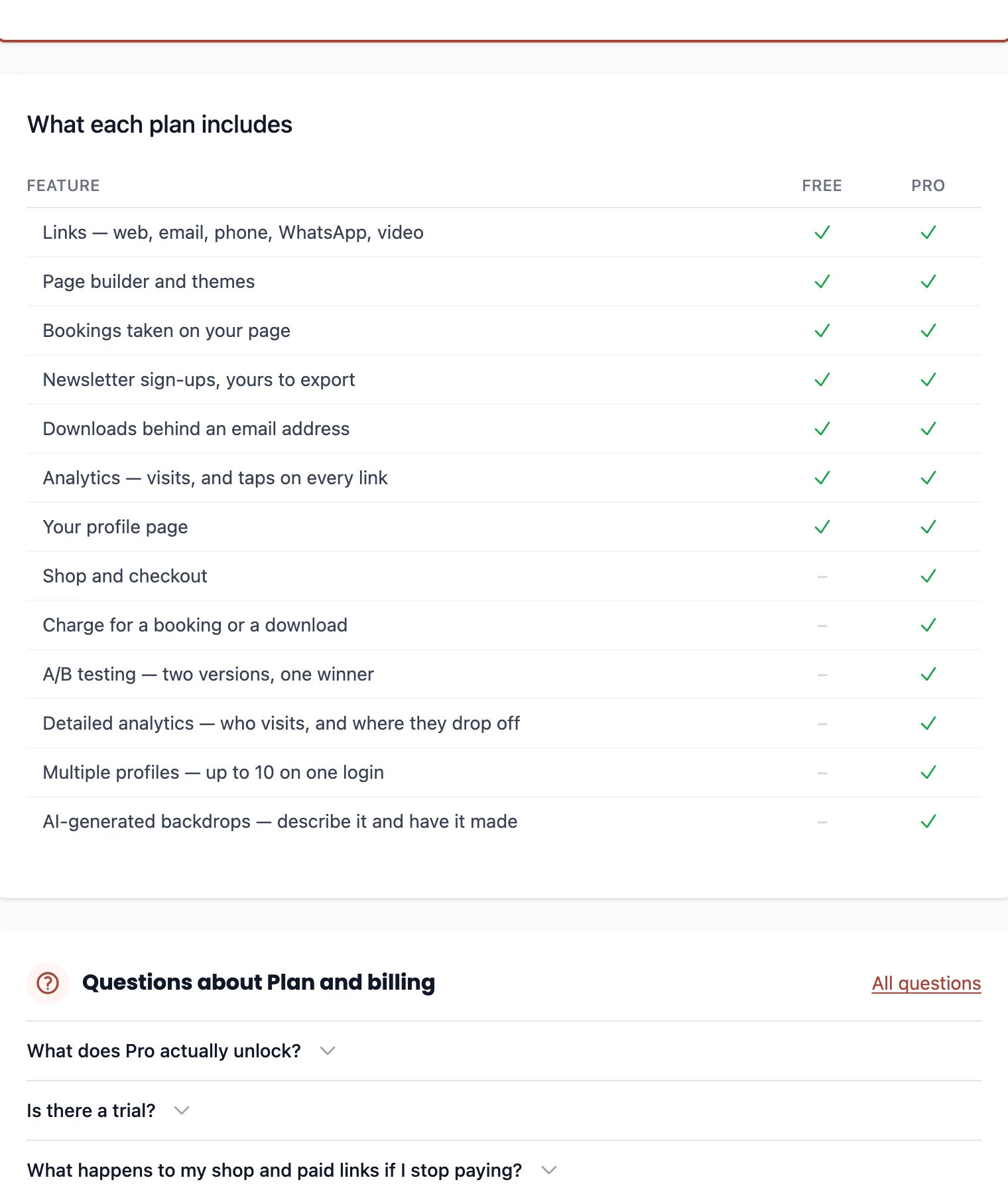
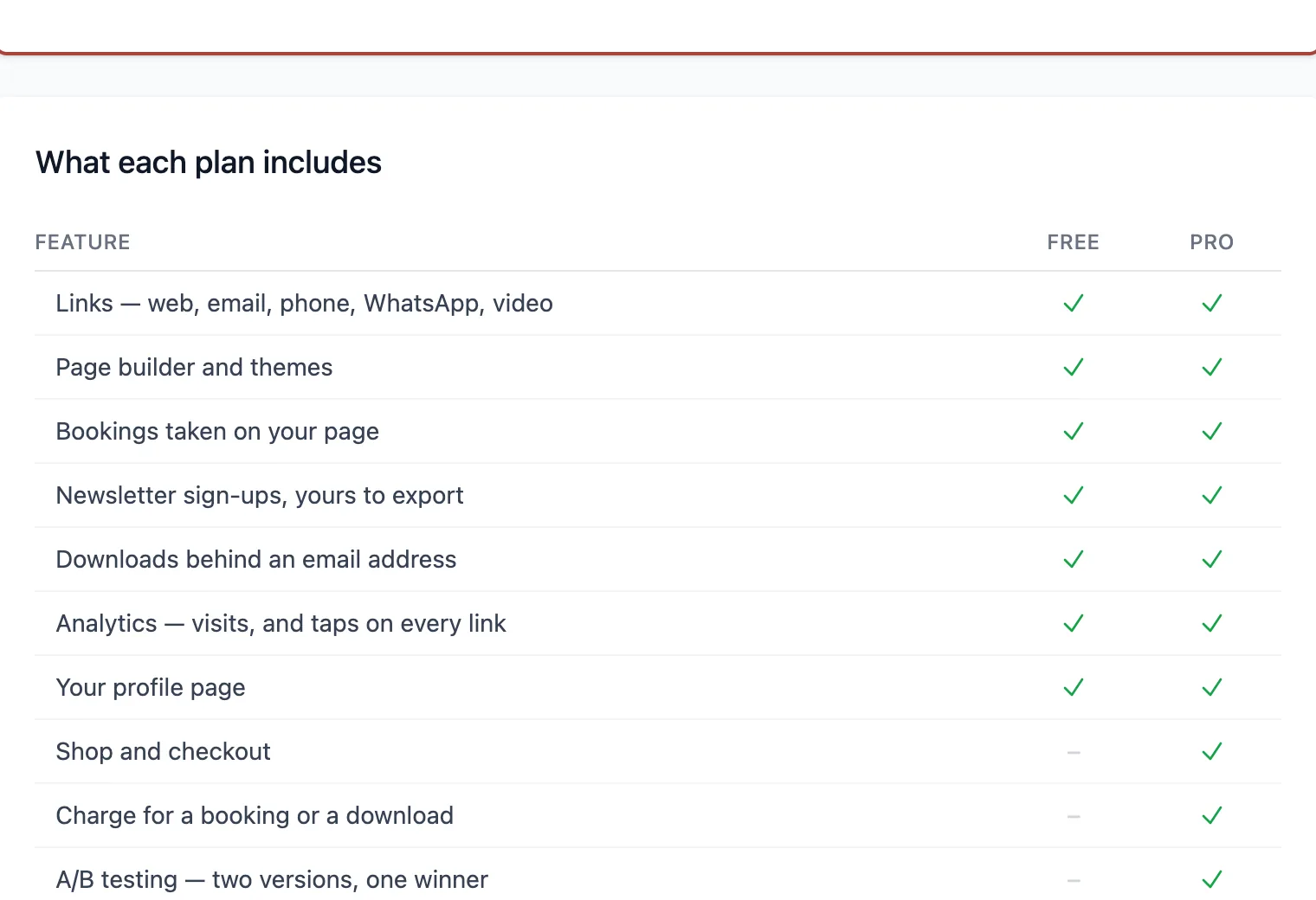
Links, design, bookings, the newsletter and gated downloads are free and uncapped, and so is your page's traffic and button-click reporting. A free page is a whole page, not a trailer for one.
What Pro adds
Three families of thing. Selling is the Shop, plus putting a price on a booking or a download. Measuring is experiments and the detailed half of Analytics — who your visitors are, and where they drop out. Scale is running up to 10 pages instead of one.
The subscription is on the account, not the page, and covers every page on it. A second brand, a client page and a side project cost the same as the first extra page, which is nothing extra.
The trial
14 days, one per account, and it takes a card before it starts. It is the full Pro feature set rather than a limited version, because a trial you cannot actually sell through tells you nothing about whether selling works for you.
It is the first 14 days of a real subscription rather than a grant, so the first payment is taken on the day it ends unless you cancel before then.
If you stop paying
The paid features stop selling. They are not given away and they are not deleted: paid links refuse the purchase, the shop comes off the page, and the products, prices and settings all stay exactly as you left them until the subscription comes back.
Your pages are not touched. Every page you have built stays live, published and editable, however many there are — what stops is adding another one. The audience and funnel cards stop too, and your traffic and button counts keep running.
Changing your card, or cancelling
Manage billing on the plan page opens the billing portal. Card details, invoices, switching between monthly and annual, and cancelling all live there with the payment provider rather than here — which is also why your card number never reaches us.
Cancelling takes effect at the end of the period you have already paid for. You keep Pro until then.
Ready to try it?
Building, publishing and sharing a page is free. Everything on this page is about the parts that are not.