
Build a mailing list
Collect email addresses from your page, confirm them properly, and keep a list you can take with you.
Switch it on
Newsletter holds two things: the signup form visitors see, and the people who have already used it.
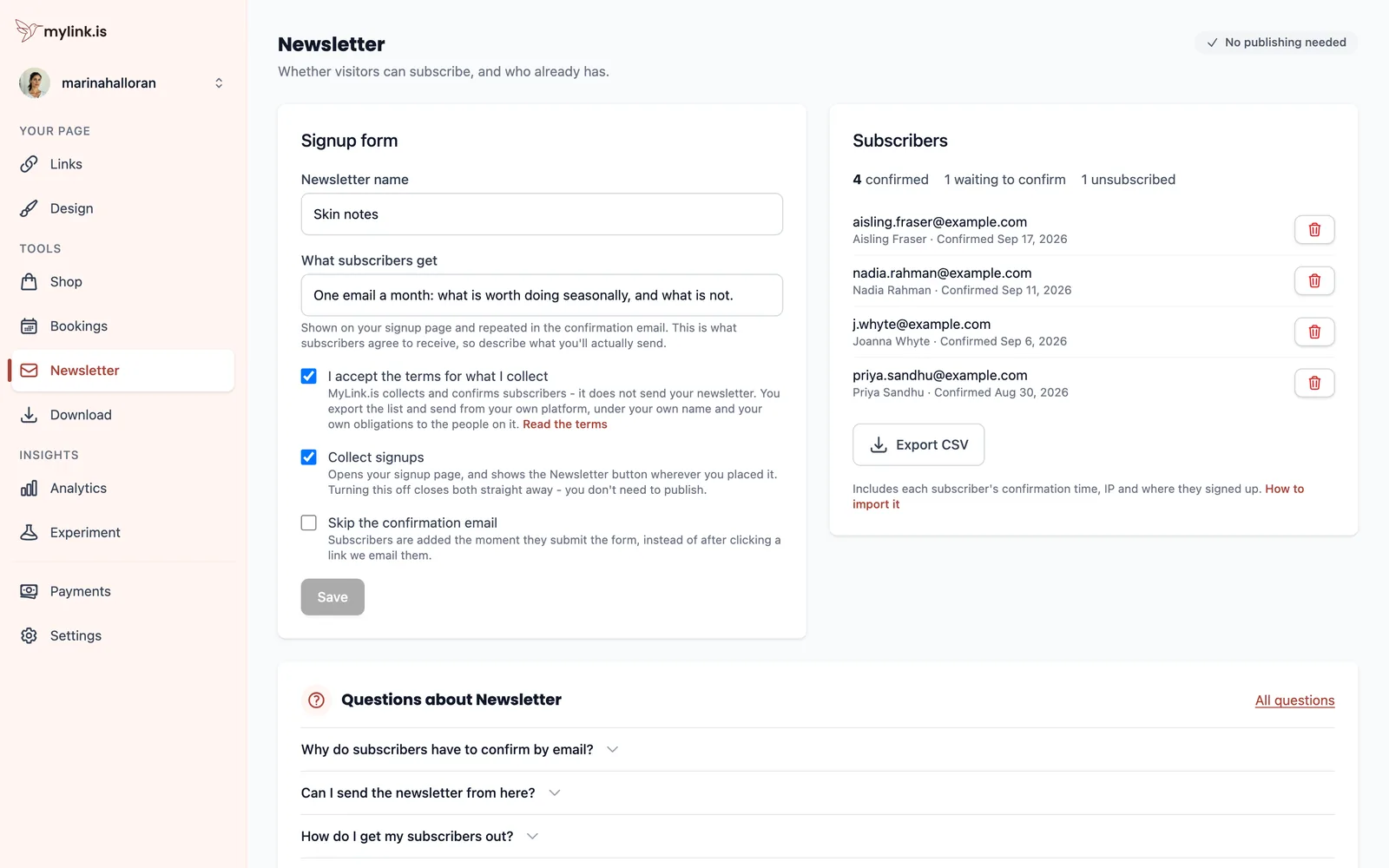
Collect signups opens the signup page and shows the newsletter button wherever you put it. Turning it off closes both straight away — this section saves live, so there is no publishing step here.
Put it on your page
Add a newsletter row in Links and write the button text as the thing somebody gets, not as the mechanism. "Skin notes, monthly" earns more addresses than "Subscribe", because it answers what and how often before anyone has to commit.
The row opens a signup page we host in your page's own theme, so it does not look like it belongs to somebody else.
How a signup becomes a subscriber
A signup starts unconfirmed. The person becomes a subscriber when they click the link we email them, which they have 72 hours to do — signing up again inside that window simply resends it.
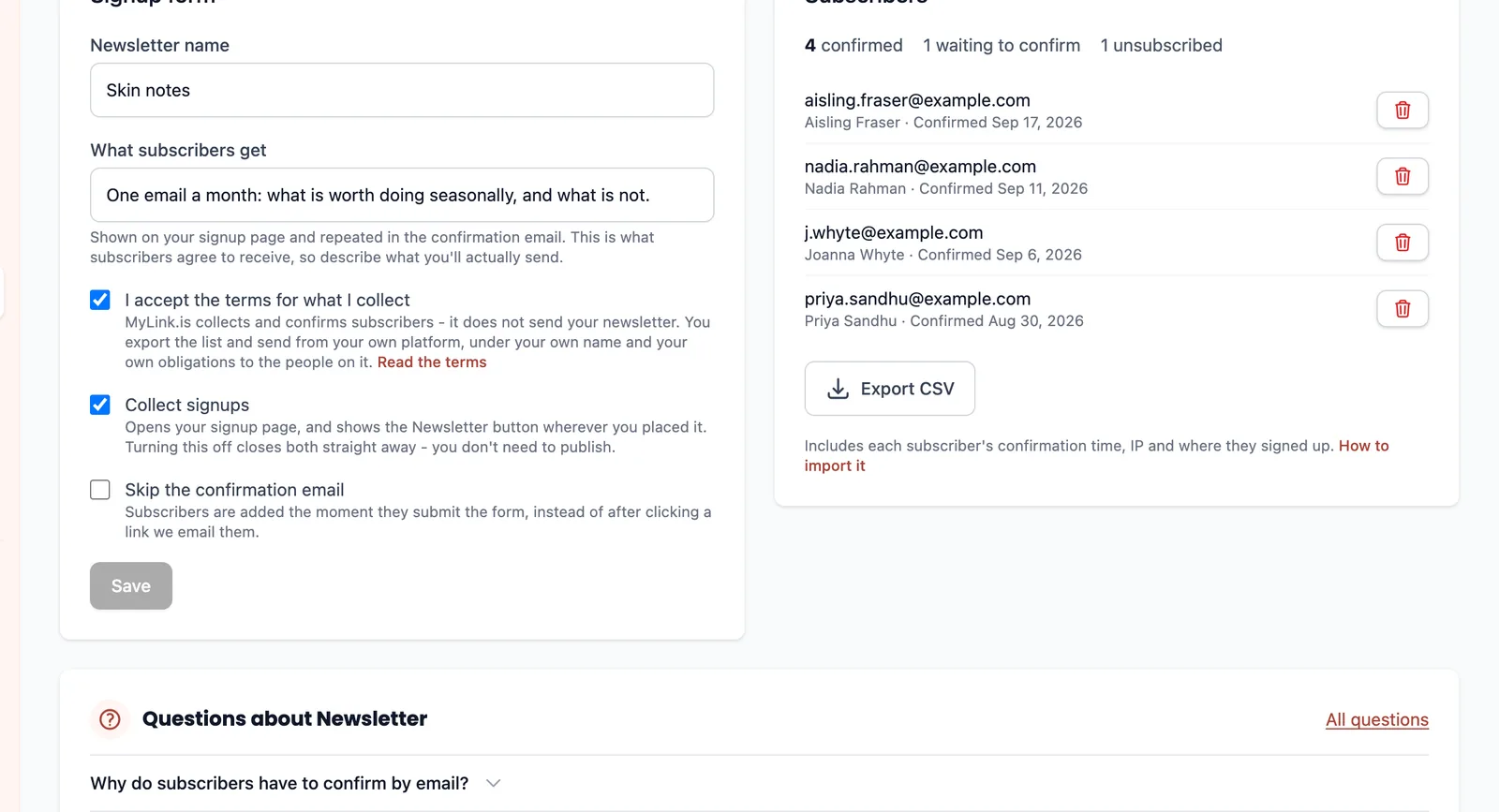
Confirmation costs you some signups and it is worth it. It is what stops a typo, a bot or somebody else's address from landing on your list, and a list built without it damages your sending reputation for every genuine subscriber on it.
Every confirmation email carries a working unsubscribe link, and using it removes that person here immediately. You do not have to action anything.
Get the list out
MyLink.is collects subscribers; it does not send your newsletter. Sending well means deliverability, templates, unsubscribe handling and reputation management, and doing a mediocre job of all four would serve you worse than handing the list to a tool built for it.
So the job here is capture and export. Export CSV gives you the addresses, the names where people gave them, and when each person confirmed. There is no lock-in on it, and the section can also hand new subscribers straight to your mailer as they arrive.
One thing to watch after you export: the two lists are separate from that moment on. Somebody who unsubscribes here is not removed from the copy in your mailer, so handle the unsubscribe in whichever tool is actually sending.
Ready to try it?
Your page is free to build, publish and share, and nothing in this guide costs anything.